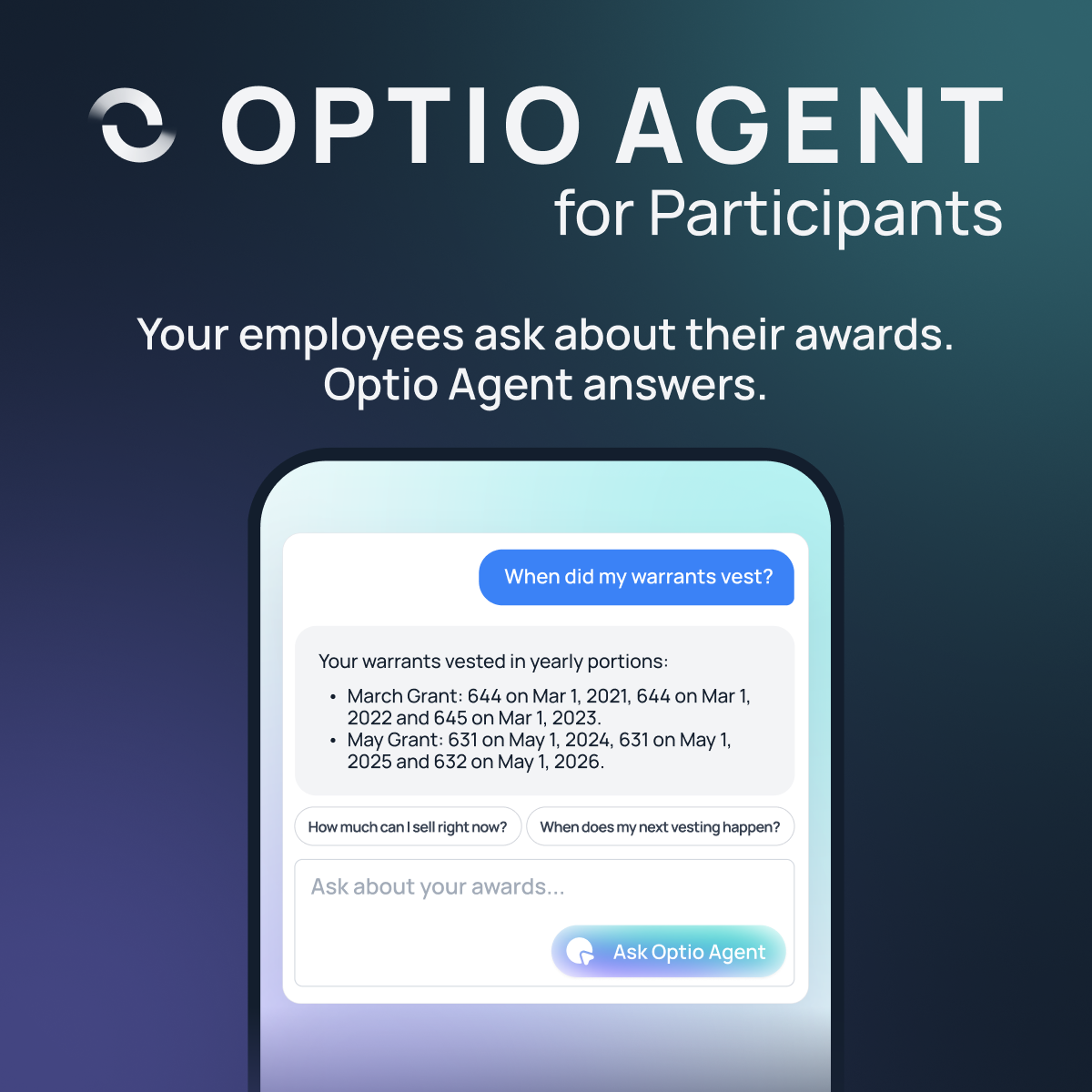
Meet Optio Agent: AI for equity plans.
Your equity data, explained and acted on.
Less time tracing figures in Excel, building reports by hand, looking up tax rules and fielding routine questions from participants. More time for the work that needs you.
Optio Agent works on your own Optio data, in the EU, and only when you switch it on.
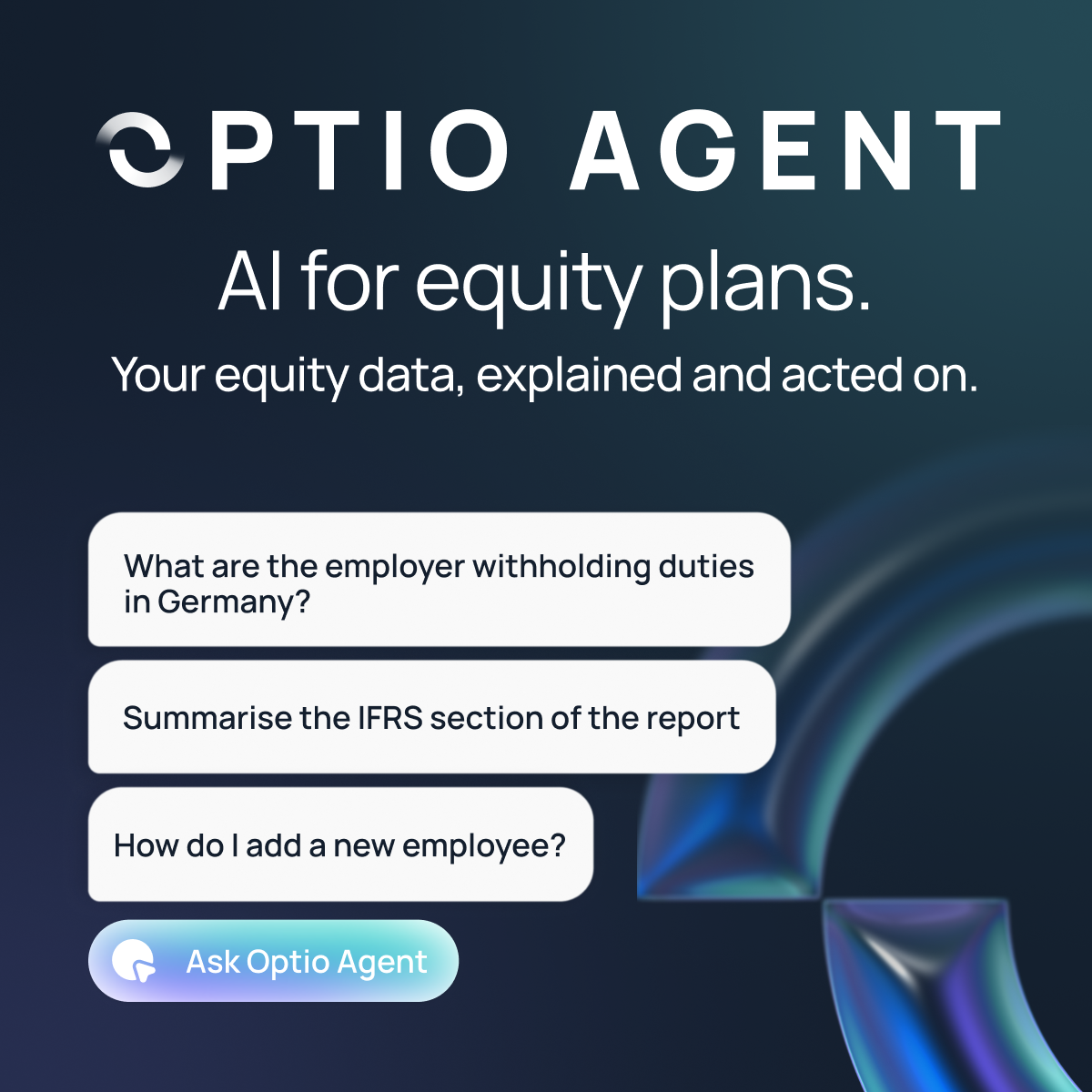
Optio Agent for Financial Reports
Query, analyse and summarise your financial reports.
Producing a share-based payment report is rarely the hard part. Understanding it is. With Optio Agent, you ask the report instead of exporting it to Excel and tracing the changes line by line.
Ask in plain language and get a summary, the key details or the reasoning behind any figure.
It runs the analysis and the maths for you.
Works across IFRS 2, social security, deferred tax and dilution reports.
Every figure is one of Optio's own calculations, so the number you question is the number you report.
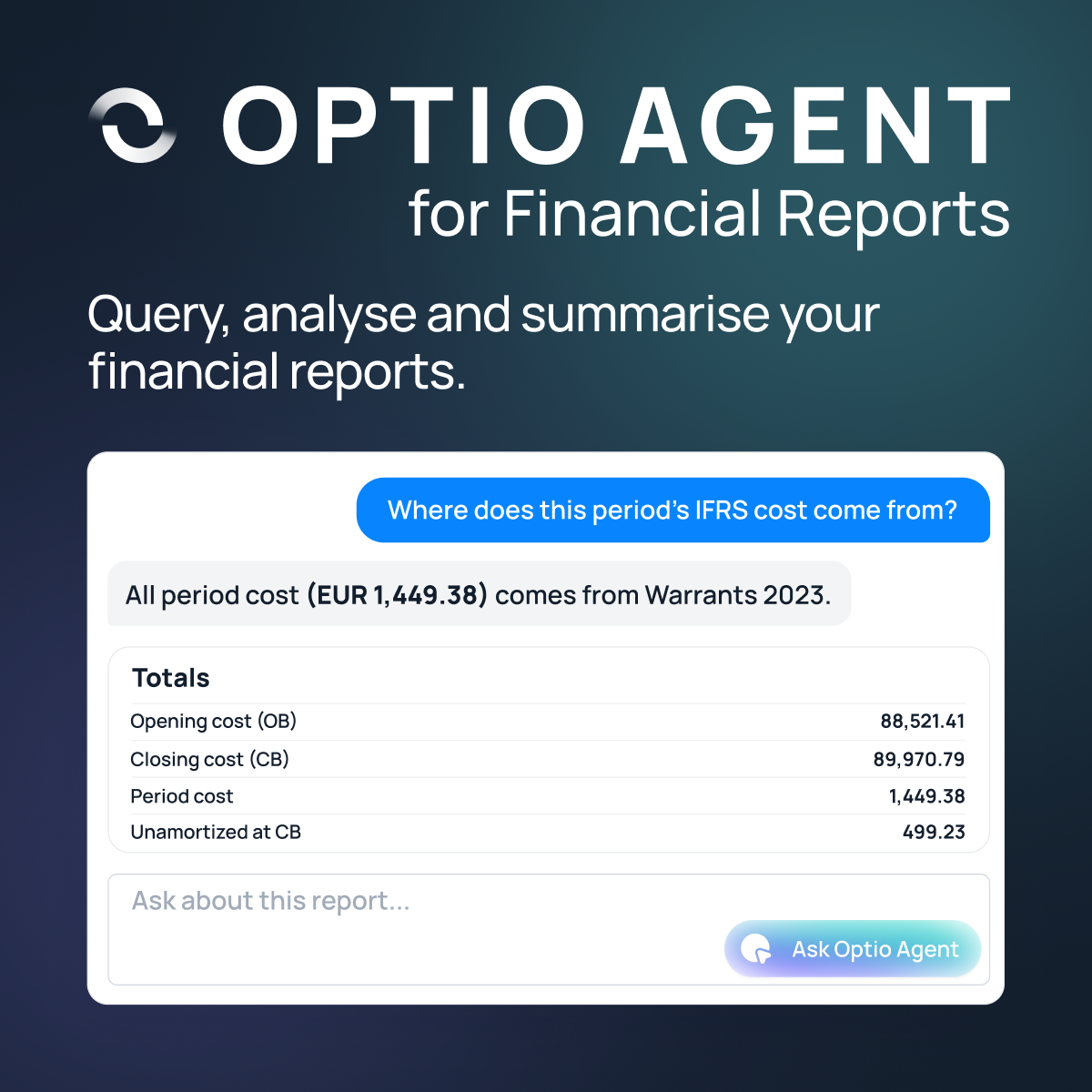
Optio Agent for Custom Reports
Describe the report you need. Optio Agent builds it.
The board meets next week and you know what they will ask. The data is all in your equity platform. Getting it into one report has always been the slow part.
Describe the report in your own words, such as awards granted, vested and outstanding for each entity and plan.
Optio Agent sets up the columns and filters, shows you a preview and asks before applying.
Save it as a template and run it again next quarter.
Optio Agent sets up the report. It never reads the values, and you are the one who runs it.
Optio Agent for Tax & Legal
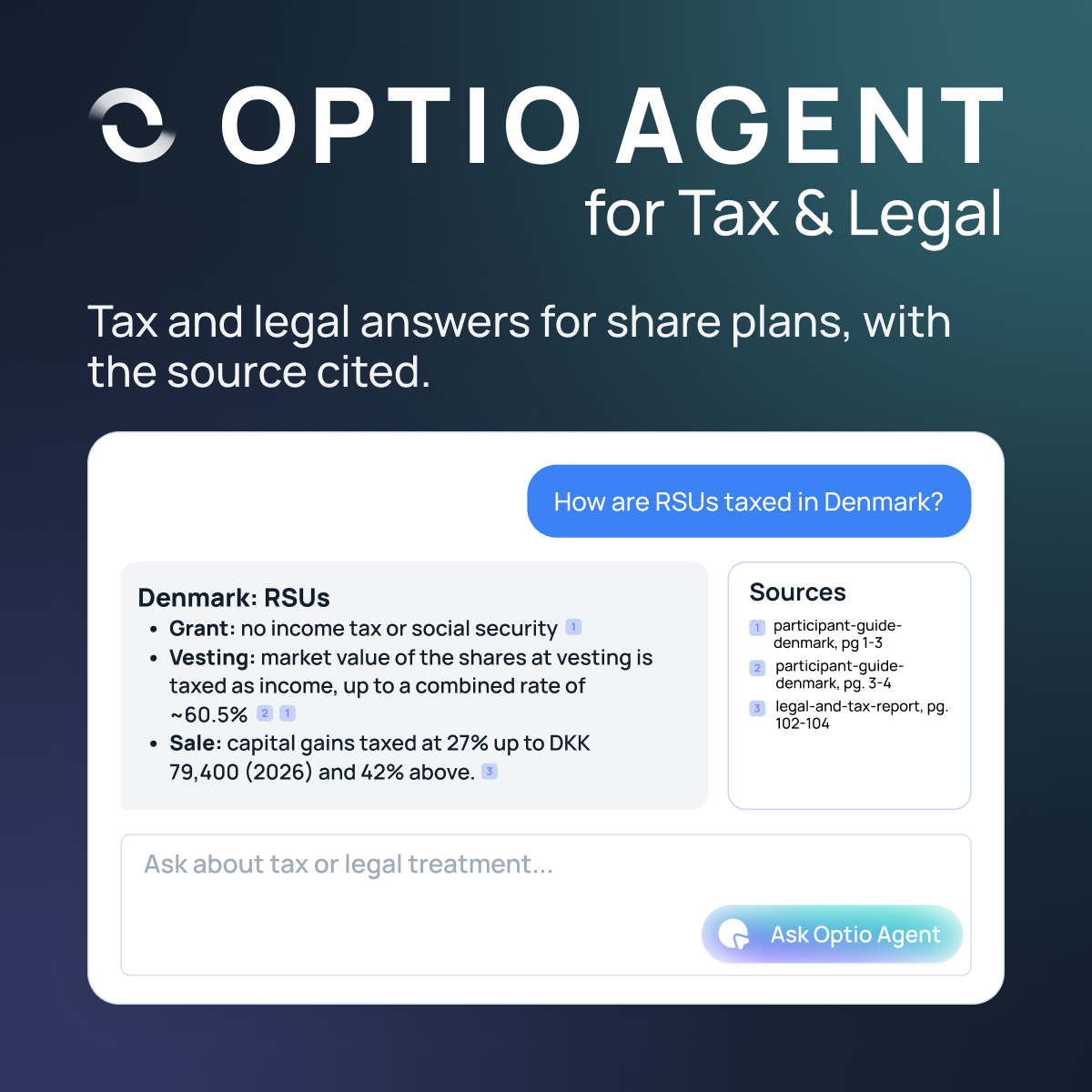
Tax and legal answers for share plans, with the source cited.
Share plan rules differ from one country to the next, and an answer is only useful if you can see where it came from. Optio Agent for tax and legal compliance gives you both.
Ask how share-based pay is taxed and regulated in a country.
Every point in the answer cites the document and page behind it.
Draws on Optio's tax and legal library, built on CMS ShareReporter content.
When the library has nothing on a question, it tells you so.
Answers are generated from Optio's document library and are not tax or legal advice.
Optio Agent for Admins
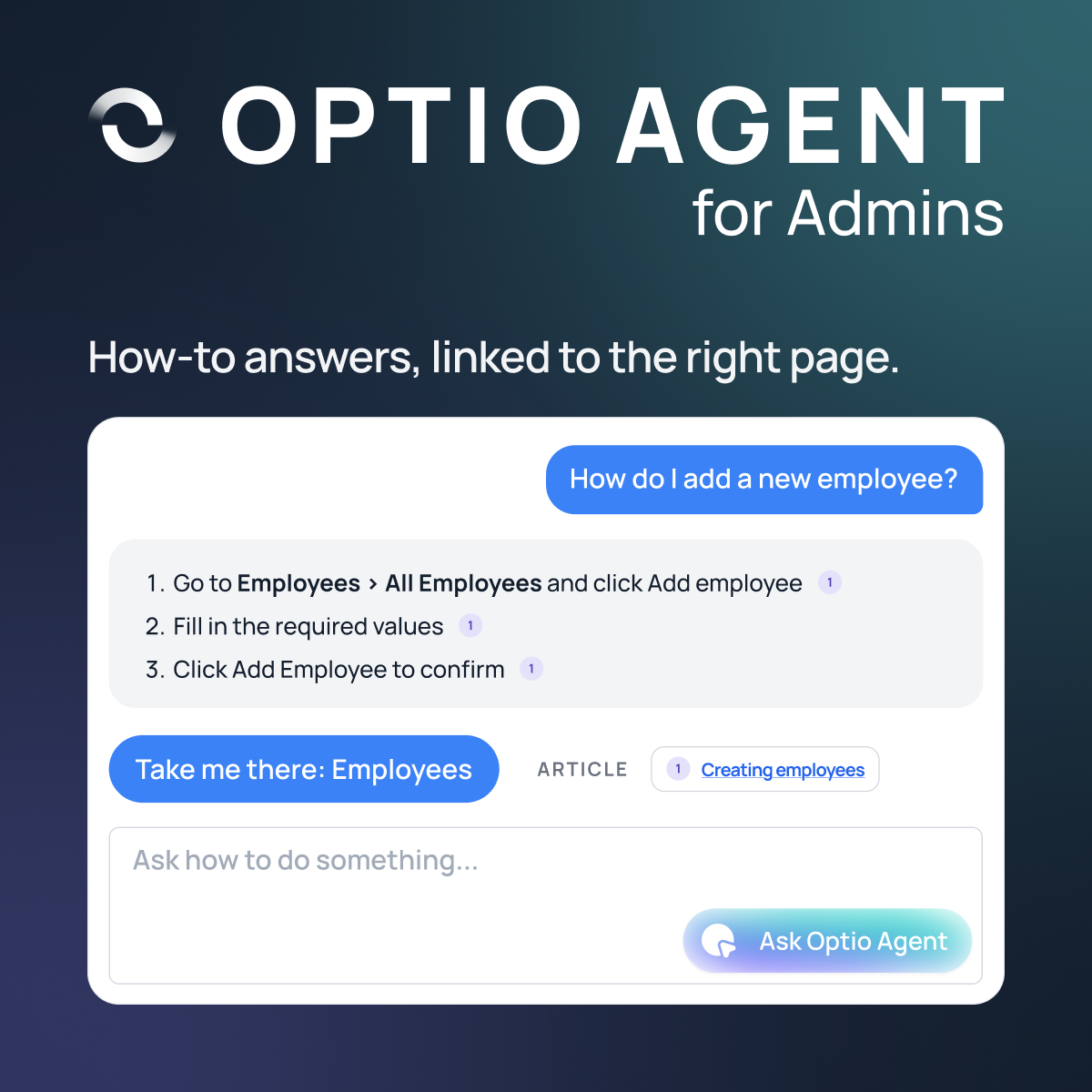
How-to answers, linked to the right page.
You know what you need to get done in Optio. You are just not sure where to start. Ask, and get on with it.
Ask how to do something from whatever page you are on and get the steps straight away.
One click on "Take me there" opens the right screen, so you can dive in and get it done.
No searching, no waiting on a reply and no losing your place.
Every answer comes from the Optio help centre.
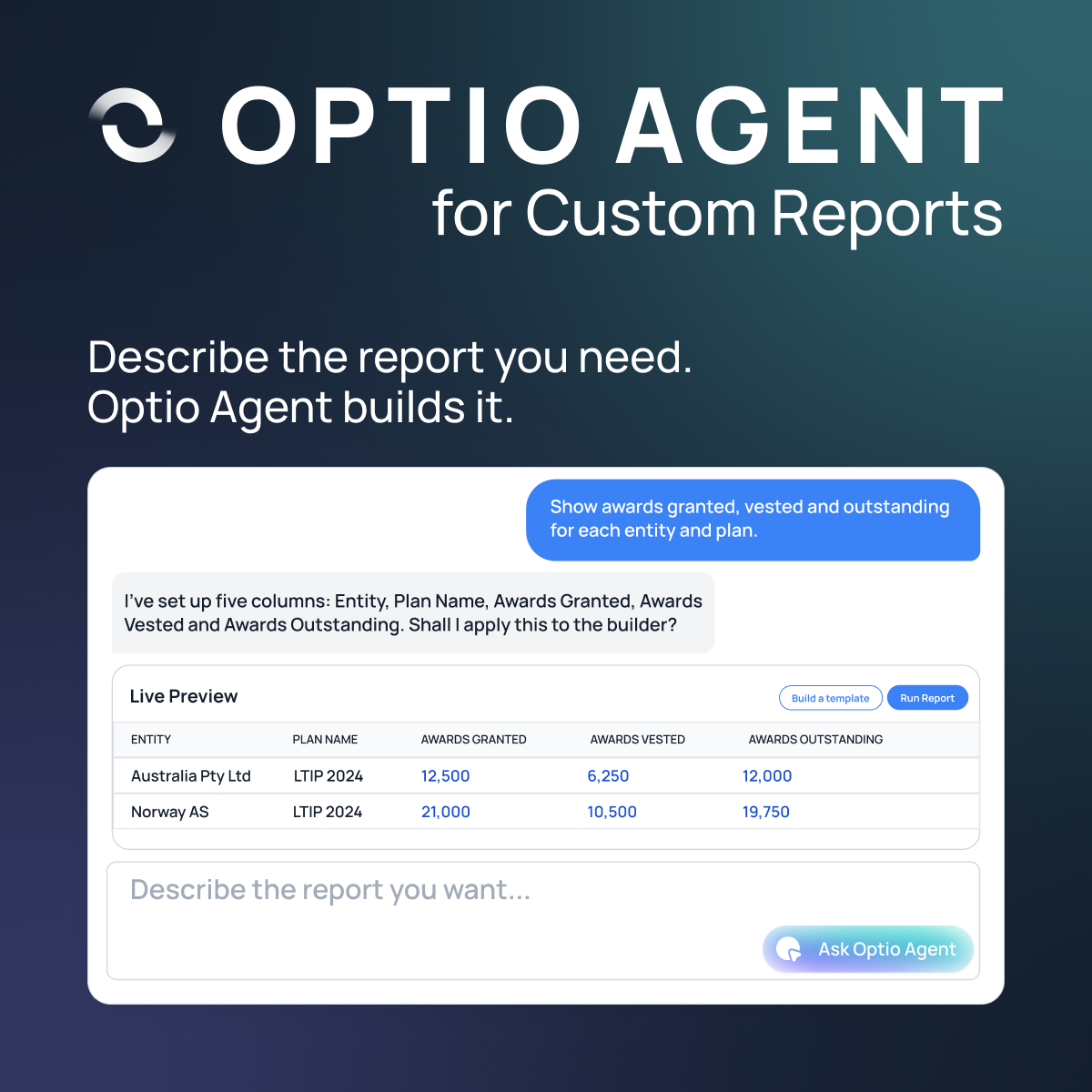
Optio Agent for Participants
Explains each participant's holdings in plain language.
Built into the participant portal, Ask Optio Agent gives each participant a clear answer about their own awards, so fewer routine questions reach your team.
Explains a participant's specific holdings in plain language, in their own language.
Can read the documents attached to their awards and explain the terms.
Turned off by default. You switch it on when you are ready.
Already rolled out to 86 clients.
Ask Optio Agent provides general explanations only and should not be considered advice.